What can I create with Creator Anime Studio?
You can create anime style images from text prompts. Common uses include campaign concepts, character references, social posts, thumbnails, storyboards, moodboards, game art direction, and client mockups.
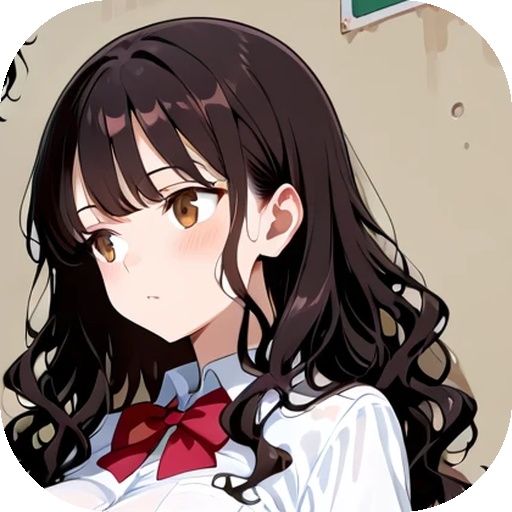 Creator Anime Studio
 FAQ
Practical answers about credits, characters, commercial use, watermark free output, and how creator workflows fit the product.
You can create anime style images from text prompts. Common uses include campaign concepts, character references, social posts, thumbnails, storyboards, moodboards, game art direction, and client mockups.
No. Images created on every tier are delivered without platform watermarks.
Yes. You can use generated outputs commercially, subject to your rights to the prompts, uploads, brand materials, and any laws or platform rules that apply to your project.
No. The free tier lets you start creating before choosing a paid plan.
Each generation uses credits. A standard generation has a base cost, and extra variants use additional credits. Paid plans give you a larger weekly credit pool.
Variants are alternate images generated from the same idea. They help you compare compositions, expressions, backgrounds, and visual direction without rewriting the prompt from scratch.
You can save a generated image as a character reference, then reuse that character in new prompts. This helps keep the same face, hair, outfit direction, and visual identity across multiple scenes.
Yes. Free accounts can save one character, which is enough to test the workflow before upgrading.
No. It is useful for marketers, writers, indie teams, designers, agencies, streamers, and anyone who needs visual concepts quickly.
Yes. Many creators use it for ideation, pitches, drafts, campaign visuals, and production references. Make sure any client brands, characters, or uploaded materials are cleared for your use.
Yes. The output is suitable for posts, thumbnails, profile concepts, promotional mockups, and creative direction boards.
A strong prompt describes the subject, action, setting, mood, framing, and style. For creator work, include the job the image must do, such as product teaser, storyboard frame, album cover concept, or character reference.
The character workflow lets you reuse saved character references. Only use materials you have the right to use.
This public creators site does not showcase adult examples. It presents creator workflows and public-facing samples. The app has its own content rules at generation time.
You can use the output for your own projects, including commercial projects, subject to your rights to the inputs and applicable rules. This is not legal advice.